Phones sit right in the middle of everyday tasks, still their batteries often fall short when people need them most. A quick loss of power usually does not come down to one thing because older parts work slower while apps run wild and heat pushes extra strain on components. Peeling back what happens inside both chemistry and code reveals clearer paths to saving energy across days. Understanding how today’s handsets suddenly lose juice allows for the application of fixes that stretch out useful time between charges.
1. High Energy Display Needs
Most of the battery gets used just to keep the screen lit. Bright displays that show fast movement need lots of power, especially when packed with tiny dots of light. Each flicker across the glass pulls juice from the cell inside.
When brightness stays at full blast, the battery drains faster since it has to push more energy to keep lights glowing. Because of that, turning on adaptive settings helps as these sense nearby light levels and then tweak screen glow accordingly. Another consideration is that shorter screen timeouts mean less idle time where nothing happens but power still leaks away. On gadgets with OLED panels, switching to dark themes makes a difference because the deepest blacks shut down completely and pull no charge at all.
2. Background App Activity and Data Sync
Most people think apps stop working when shut down yet behind the scenes, plenty keep ticking. They are checking for new info, logging where you go, or pushing files online without a sound.
Most apps needing live alerts or steady GPS drain power fast. Check device settings to see what uses the most juice each day. Background activity in rarely used tools keeps the chip active when it could rest. Instead of instant delivery, scheduling mail checks every few hours saves noticeable charge. Slower sync cycles trade immediacy for longer screen time between charges.
3. Network Connectivity and Signal Strength
Power never stops flowing to the parts handling cell service, wireless internet, and short range links. If the phone struggles to catch a clear tower signal, it pushes harder to reach one.
Heat builds up when your phone keeps searching and that hunt drains the battery fast. When the signal is spotty, try airplane mode instead or switch to Wi-Fi calls if possible. Out of range from familiar networks, Bluetooth still hunts in the background and so does Wi-Fi scanning. Both push the system harder than needed. Shutting them down saves energy quietly so the radios rest easier. Power stays put longer when the hardware is not constantly probing for a connection.
4. Hardware Wear Over Time
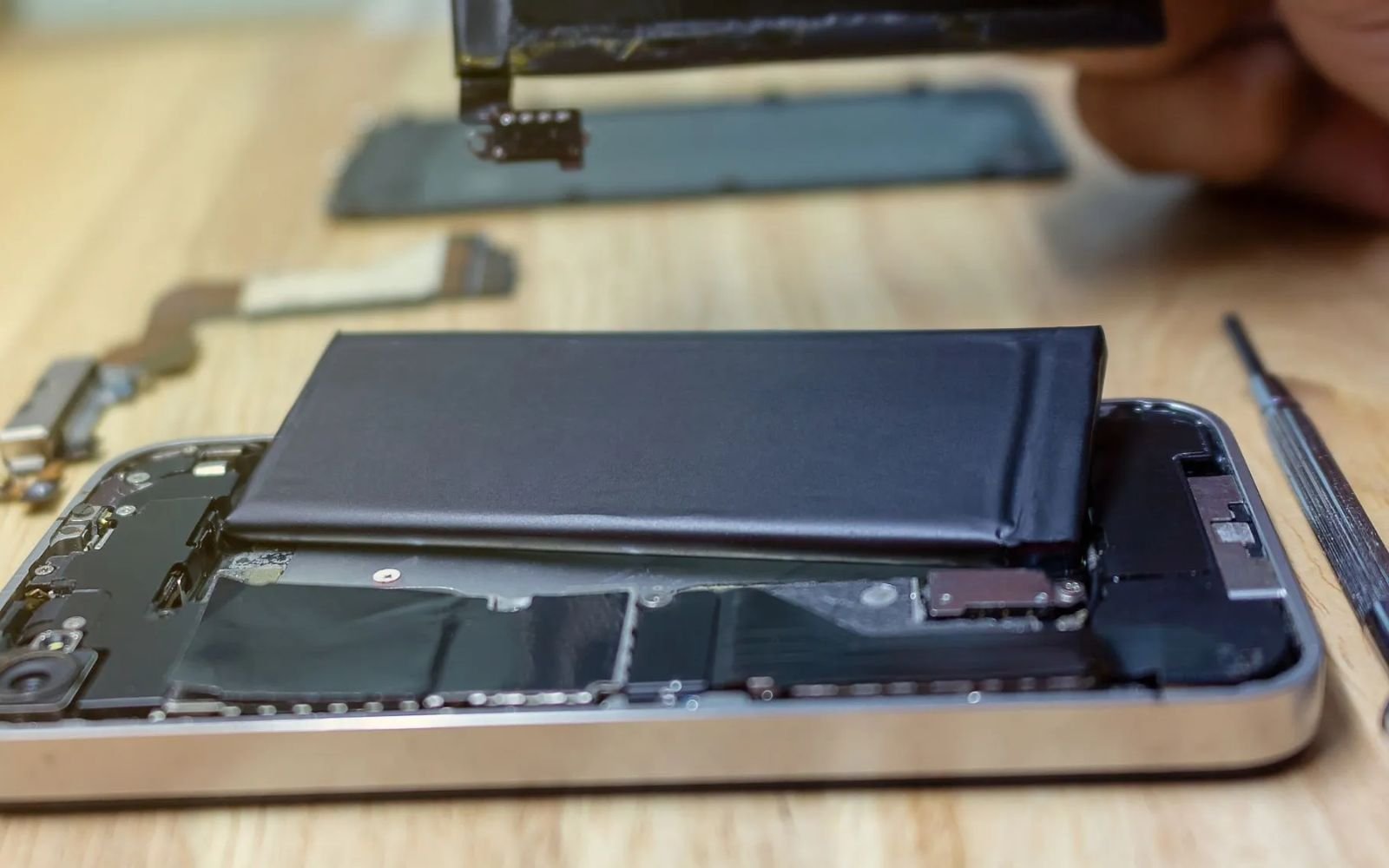
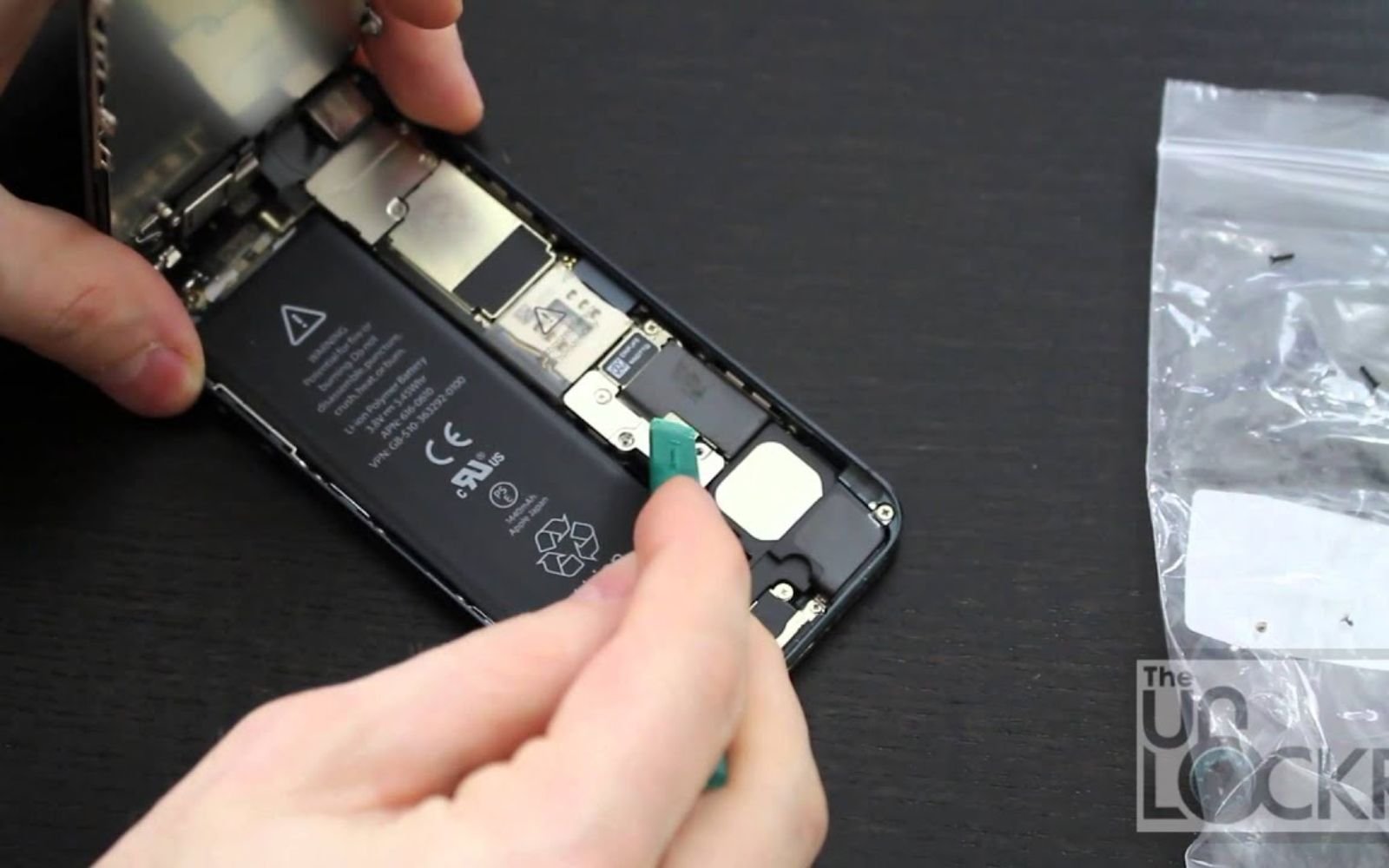
Each time you recharge it, the battery wears down just a bit more. Over months, that wear means less power stored each round. What once lasted hours now struggles to make it through part of your day. Little by little, the chemistry inside changes and slows how well it keeps energy. Eventually, even regular charging will not bring back its early performance.
Most batteries start holding around twenty percent less power after roughly five hundred to eight hundred complete charges. Look inside your device settings to find out how much juice the battery holds now compared to day one. Once that number slips under eighty percent, sudden shutdowns might happen since parts cannot get enough burst energy. Keeping away from emptying fully or staying topped up helps reduce wear on the cells over time. Charging often stops short near eighty percent automatically these days unless plans show heavy usage is coming soon.
5. How OS and App Updates Affect Devices
Most of the time, fresh software brings extra tools needing stronger computing muscle or quiet system activity. Now and then, a clumsy upgrade slips through and triggers glitches that keep the CPU running fast when it should be resting.
Right after updating apps or the OS, things often run smoother yet you should watch how the device behaves. Should battery life drop right when new software hits, try clearing cached data or rebooting. Updates from developers keep coming, especially ones that fix energy leaks. Keeping everything fresh helps hold steady on power use. A small change now might prevent bigger hiccups later in the hardware lifecycle.
6. Environmental Temperature Extremes
Heat messes up lithium ion batteries fast. When things get too warm, the chemistry inside speeds up more than it should which eats away at how much charge the battery can hold forever. On frosty days, the juice inside gets sluggish because resistance builds up and your gadget struggles to pull power out. Cold does not destroy like heat but still slows everything down.
Heat from bright sun or a parked car might slow your phone down. It also makes the power drop quicker when things get too warm inside. The machine works harder to stay cool, using more energy than usual. Staying close to the manufacturer suggested temperatures helps the battery last longer. When charging, warmth under your fingers means something is off. Take off covers so air moves around easier because cooling happens faster without layers blocking the way.
7. Conclusion
Most phones lose power fast these days but it does not have to stay that way. Tweaking how bright the screen runs, slowing down apps running behind the scenes, and paying attention to signal strength makes a difference. Thinking about battery age is also important as lithium cells wear out naturally over time. Charging patterns matter just as much as usage when trying to stretch the lifespan of your device.
When your device still will not hold power after trying these fixes, a trained eye might be needed. Contact Stone City to schedule a Mobile Hardware Performance Audit tailored to your specific handset. Our specialists perform rigorous Battery Capacity Assessments to determine if a replacement is necessary. Instead of guessing, you get System Efficiency Mapping to identify power hungry software conflicts. Reach out today so our experienced team can provide a professional solution built to keep your technology running reliably.